
Track time. Connect it to your work. Stay in Microsoft 365.

Klynke brings time tracking, projects, and reporting together in one connected workspace built for Microsoft 365 & Teams.
You’ll be taken to Microsoft Marketplace to start your Klynke free trial.
New to Microsoft Marketplace? Our Getting Started Guide walks you through the process step by step.
Track Time
Capture time where work happens.
- Log time directly in Microsoft Teams
- Use Outlook calendar events as a starting point for time entries
- Track time across projects, tasks, and activities
- Configure timesheets to fit your processes
- Add approval workflows when needed
Whether your team works in the office, remotely, or across locations, Klynke makes time tracking simple, consistent, and easy to manage.

From Timesheets to Insight
Turn recorded time into information you can use for managing your projects, reporting, billing, and planning.
For teams
Track time as part of the workday without adding unnecessary administration.
For project managers
Compare planned and actual time to understand progress, workload, and where attention is needed.
For managers and business owners
Get structured information for billing, reporting, planning, and resource management.

Keep Projects on Track
Connect projects with the time your team actually spends on them. Klynke gives you a clear view of progress, workload, and project performance.
- Track work across projects, teams, tasks, and deadlines
- Define billing codes and task types
- Compare estimated and actual time
- Connect projects with Microsoft Planner
- Assign and track work
Turn tracked time into useful information for billing, planning, and reporting.

Built for Microsoft 365
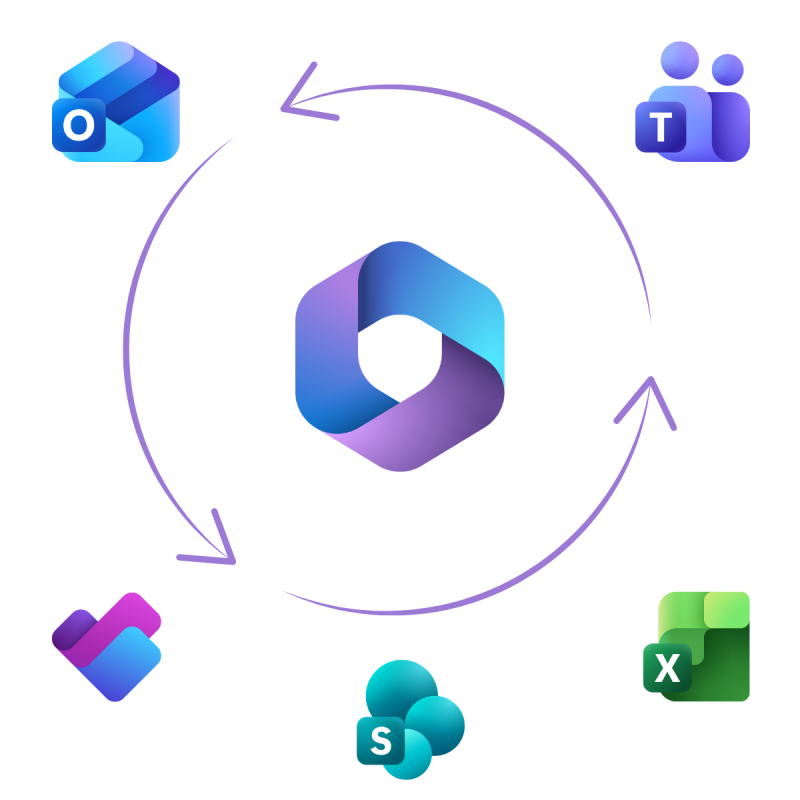
Klynke works with the Microsoft 365 tools your organization already uses, connecting your everyday work with time tracking and project overview.
- Outlook → Time tracking
Use calendar events as a starting point for time entries and reduce manual data entry. - Planner → Projects
Connect Planner tasks with Klynke projects to bring planned work and recorded time together. - Teams → Daily work
Track time and access project information directly in Microsoft Teams.
One connected experience across the tools you already use.
What our customers say
Teams use Klynke to simplify time tracking, reduce administrative work, and improve visibility across projects.
Chemploy - Netherlands
"What stands out about Klynke is how intuitive is, from setup through everyday use. Its seamless Microsoft 365 integration and reliable export functionality make it a natural fit for our invoicing workflow."
Ben Bovendeerd, Engineer

WorkWell - United States
"Klynke has made time tracking quicker and easier for our contractors. We’ve moved away from spreadsheets and manual calculations, saving valuable administrative time while gaining clear visibility into contractor activity."
Eva Kuenzig, Director of Onsite Services

Inova Ingenieros - Spain
"We needed a simple way to track project time, assign hours, and clearly distinguish between billable and non-billable work. Klynke has delivered exactly that, giving us greater visibility and helping us work more efficiently."
Fernando Gonzáles Miguel, Industrial Engineer

Get started in 3 simple steps

Start your free trial
Start your 30-day free trial through Microsoft Marketplace and follow the setup process.

Connect to Microsoft 365
A Global Administrator reviews the required permissions and grants consent so Klynke can securely connect to your Microsoft 365 environment.

Add users and start working
The Klynke Administrator assigns licenses, and your team can start tracking time and managing projects.
Ready to try Klynke?
Start with a free 30-day trial
$2.49 /user/month after the trial.
Get full functionality from day one, with the flexibility to add or remove users as your needs change. No hidden fees or pricing tiers.
Available through Microsoft Marketplace.
Everything your team needs, in one place
- Easy to get started: Set up Klynke online with the guidance and support when you need it.
- Time and projects in one place: Manage timesheets, projects, and time tracking without switching between different tools.
- Simple reporting: Export your data to Excel for billing, reporting, and further analysis.
- Built for teams: Give your team a simple, professional way to track time and manage projects.
- 30 days free: Try Klynke with no long-term commitment. Continue with a flexible monthly subscription or cancel at any time.